Regex Tester
JavaScript regular expressions with live match highlighting, capture groups, and a replacement preview. Runs in your browser.
How to Use the Regex Tester
Build, test, and debug JavaScript regular expressions in your browser.
Quick Start
- Type a regular expression in the Pattern field.
- Toggle flags (g, i, m, s, u, y) to control matching behavior.
- Paste or type your text into the Test String box — matches highlight as you type.
- Inspect each match, its position, and any capture groups in the Matches panel.
- Turn on Replace mode to preview the result of
String.replacewith backrefs like $1, $<name>, and $&. - Pick a preset to start from a common pattern (email, URL, UUID, hex color, semver, and more).
Core Features
- Live Highlighting: See every match in context as you edit the pattern or test string.
- Capture Groups: View numbered and named capture groups for every match.
- Replacement Preview: Test substitution patterns with full JavaScript replacement-string semantics.
- Pattern Presets: Start from validated patterns for emails, URLs, IPs, dates, and more.
- Cheatsheet: A quick reference for character classes, anchors, quantifiers, and lookarounds.
- Privacy First: Everything runs in your browser — your patterns and test text never leave the page.
Common Use Cases
- Form Validation: Build and verify patterns for emails, phone numbers, and ZIP codes.
- Log Parsing: Extract timestamps, IPs, and request paths from server logs.
- Code Refactoring: Preview find-and-replace operations before running them across a codebase.
- Data Cleaning: Strip whitespace, normalize separators, and reformat strings.
- Learning Regex: Experiment safely with the cheatsheet alongside your pattern.
Real-timePrivateDeveloper-Friendly
Built by me
View all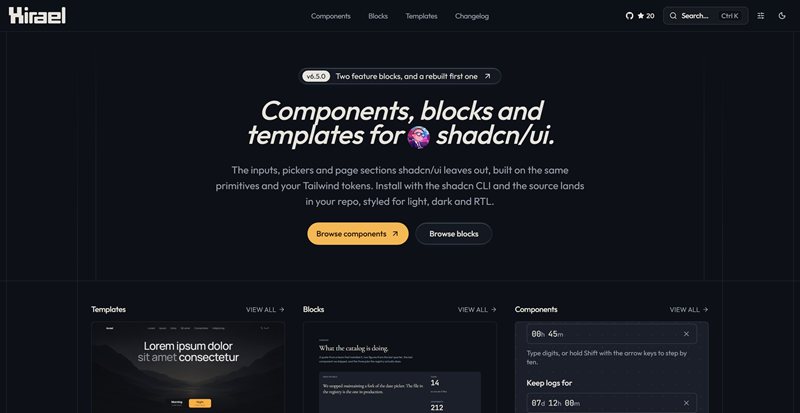
Hirael
Components, blocks and templates for shadcn/ui. The inputs, pickers and page sections shadcn leaves out, built on the same primitives and installed with the shadcn CLI so the source lands in your repo.

404 Skill
A quiet arcade for word games, logic puzzles, and classic browser games. Play focused sessions without ads or tracking.
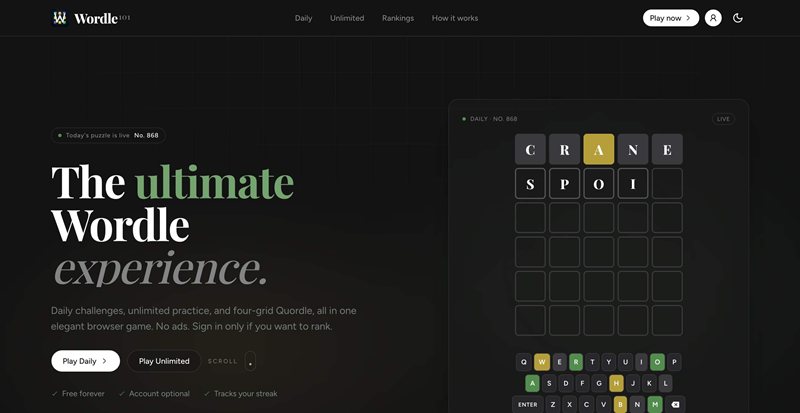
Wordle 101
A Wordle-inspired word guessing game with daily puzzles and streak tracking.