CSS clip-path Generator
A tool to visually create and customize clip-path shapes for CSS, allowing you to define unique clipping regions for elements. Drag the points to create your own custom shapes.

CSS Output
clip-path: polygon(50% 0%, 0% 100%, 100% 100%)Demo background
Animation Previewtriangle
Hover to see animation between original and current state.
How to Use CSS Clip-Path Generator
Create and visualize CSS clip-path shapes easily with this interactive generator for your web projects.
How It Works
- Choose from preset shapes or start with a custom polygon
- Drag the control points to modify the shape in real-time
- See a live preview of how the clip-path affects your element
- Copy the generated CSS code to use in your projects
- Test animations between different clip-path states
Understanding Clip-Path
- Basic Shapes: Use predefined shapes like polygon, circle, ellipse, and inset
- Polygon: Create custom shapes using x,y coordinate points
- Percentage Values: Coordinates are relative to the element's dimensions
- Animations: Smooth transitions between clip-path shapes with the same number of points
Design Tips
- Responsive Design: Use percentage values for shapes that scale with the element
- Complex Effects: Combine clip-path with transforms and filters for unique designs
- Start Simple: Begin with presets and customize them to match your vision
- Test Animations: Preview transitions to ensure smooth shape morphing
- Browser Support: Modern browsers support clip-path, consider fallbacks for older ones
CSSDesignShapes
Built by me
View all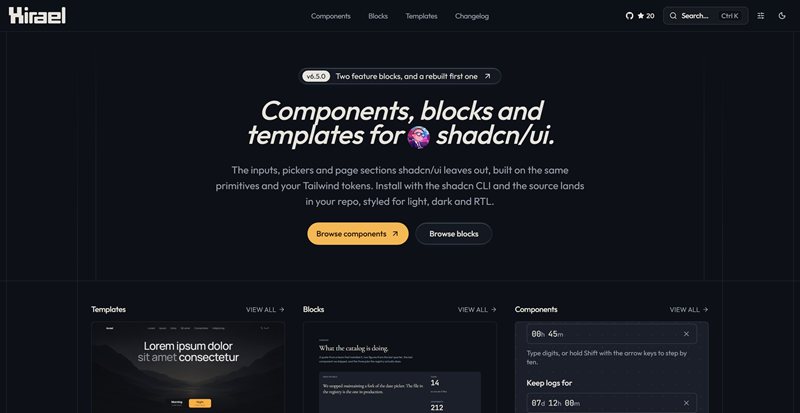
Hirael
Components, blocks and templates for shadcn/ui. The inputs, pickers and page sections shadcn leaves out, built on the same primitives and installed with the shadcn CLI so the source lands in your repo.

404 Skill
A quiet arcade for word games, logic puzzles, and classic browser games. Play focused sessions without ads or tracking.

Wordle 101
A Wordle-inspired word guessing game with daily puzzles and streak tracking.